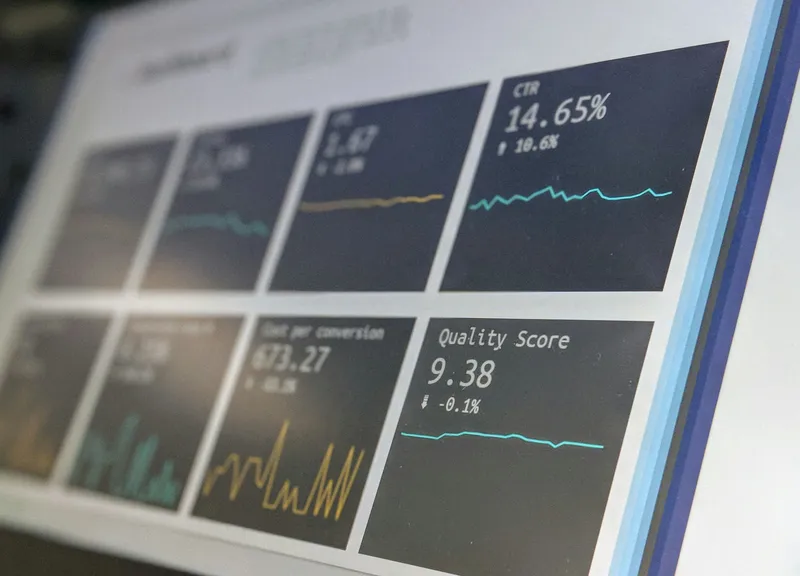
Turning six spreadsheets into one dashboard, step by step

Most small businesses already have the data they need. It's just spread across a booking system, an accounting package, a CRM, and a few spreadsheets someone built years ago.
Why it's worth doing
Asana's research across thousands of knowledge workers found about 60% of time goes on "work about work" — chasing status, searching for information, switching between apps — rather than the skilled work people were hired to do. Manual reporting is a textbook example.[1]
Bad data costs money as well as time. Gartner estimates poor data quality costs organizations at least $12.9 million a year on average. That figure comes from large enterprises, but the pattern scales down: duplicate customers, mismatched totals, decisions made on last month's numbers.[2]
Step 1: List the questions, not the data
Write down five questions you want answered every week. Anything that doesn't serve one of them stays out of the dashboard.
Step 2: Pick one source of truth per number
Revenue comes from the accounting system, not the sales spreadsheet. Bookings come from the booking tool. Deciding this up front ends most arguments about whose number is right.
Step 3: Connect, don't copy
Pull each source in automatically, using built-in connectors or scheduled exports. If a step needs someone to paste something, it will eventually be skipped.
Step 4: Clean once, at the source
Fix duplicate records and inconsistent names where they're created, so the dashboard stays right without anyone tidying it.
The goal isn't more charts. It's one screen you trust enough to stop opening the spreadsheets.
Step 5: Review it weekly, briefly
Ten minutes on Monday, same screen, same questions. A dashboard that isn't part of a routine becomes another tab nobody opens.